WiFi vs Internet: Understanding the Real Difference
Introduction
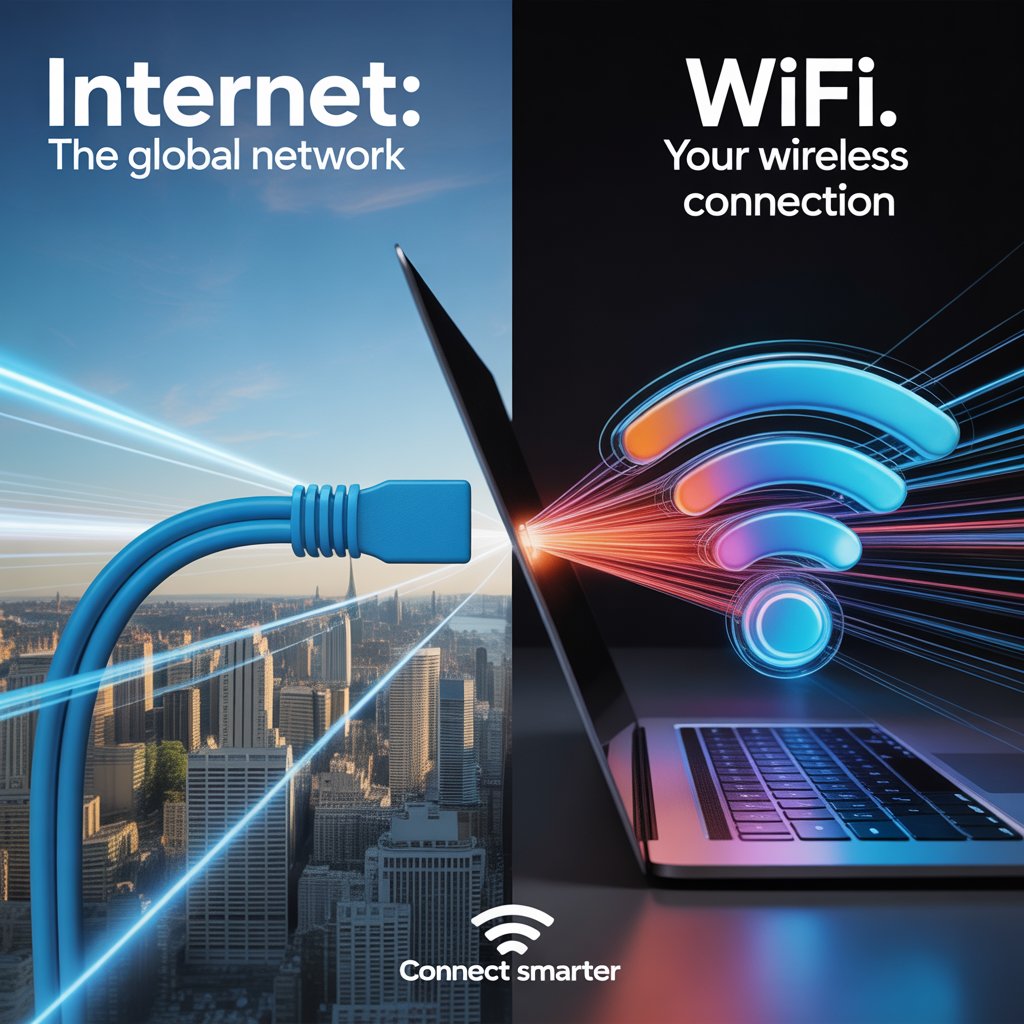
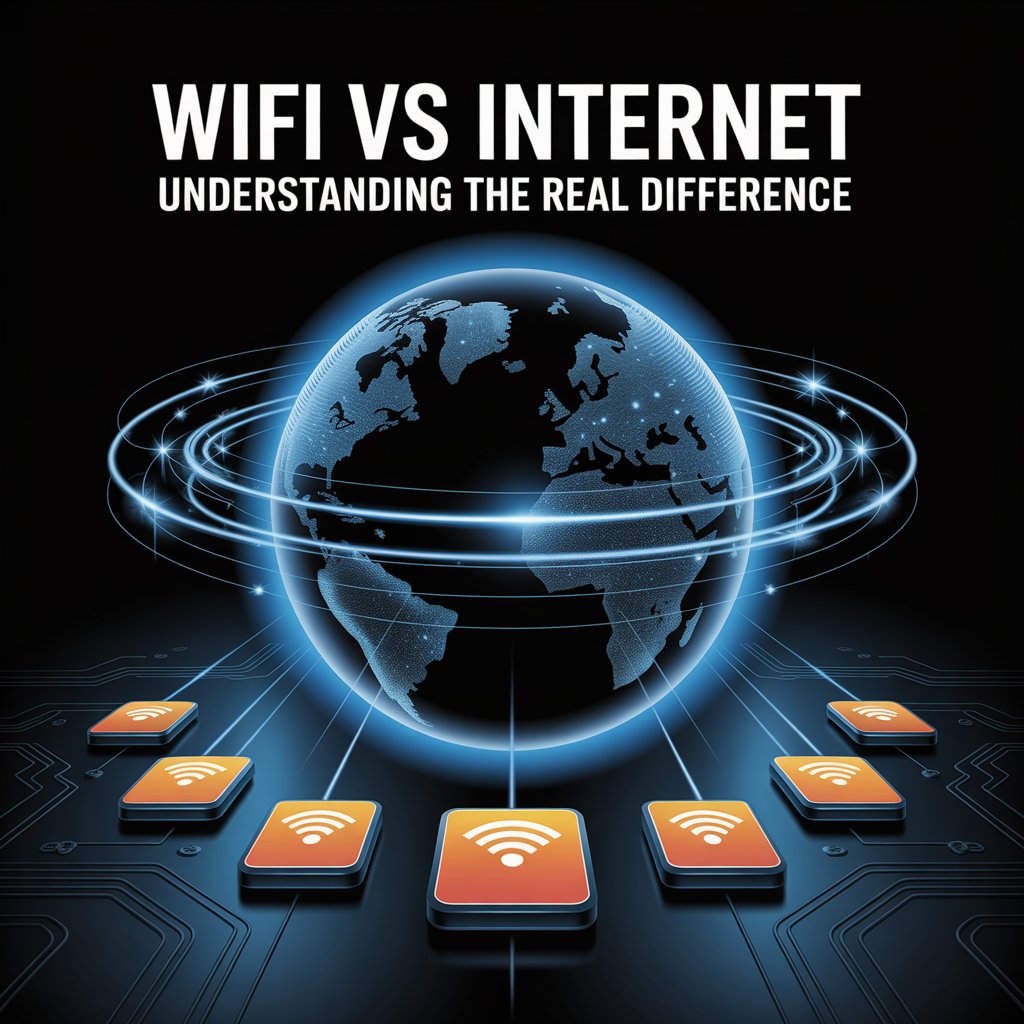
“Internet” and “Wi-Fi” are frequently used interchangeably as though they were synonymous. In actuality, they have quite distinct functions in your digital life. You can detect connectivity problems, enhance performance, and make more informed tech choices by reading and understanding WiFi vs Internet. The internet is the global network that connects millions of systems worldwide, whereas WiFi is the wireless technology that connects your devices to a local network.
By learning WiFi vs Internet, you gain the knowledge to troubleshoot common problems and improve speed, coverage, and security. Whether you are streaming films in the UK or working remotely in the USA, knowing the difference between WiFi vs Internet ensures you stay connected with fewer frustrations.
WiFi and Internet: Key Differences
- WiFi: A wireless networking technology that connects devices to a local area network without cables. It uses radio signals from a router to provide access to resources like printers, smart TVs, and cloud-based tools.
- Internet: A global system of interconnected networks that enables communication, data sharing, and access to websites, apps, and online services.
WiFi is simply one way to access the internet, but it can also function without an internet connection for tasks like local file sharing or device-to-device communication.
How WiFi Delivers Internet Access
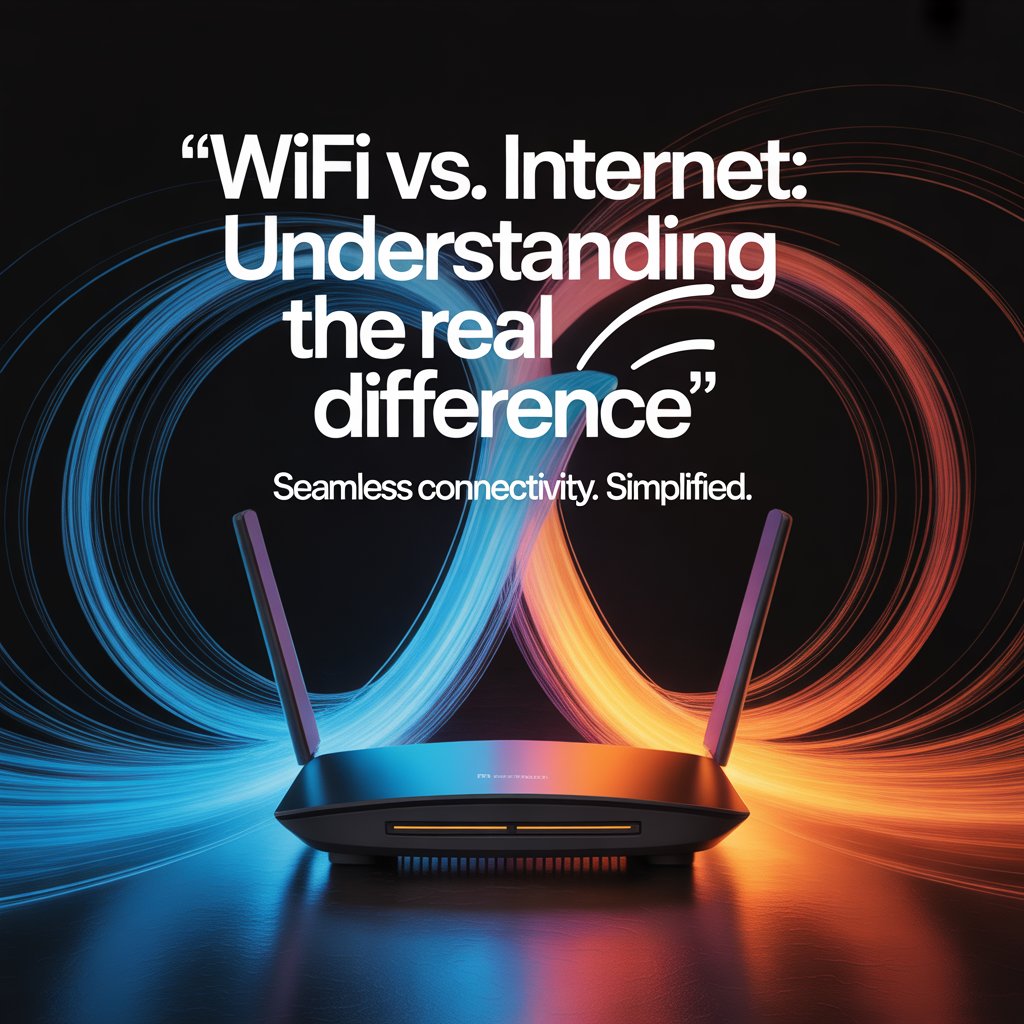
Your devices connect to a router that transmits WiFi signals. The router links to an Internet Service Provider (ISP), which provides the actual internet connection. Performance depends on two main factors:
- Internet speed plan from your ISP
- WiFi technology such as frequency bands (2.4 GHz for range, 5 GHz for speed, or modern dual-band systems)
Multiple devices share the same WiFi signal, but total performance depends on the ISP plan’s bandwidth.
WiFi vs Internet: Understanding the Real Difference
When WiFi Works Without Internet
Even if the internet is down, WiFi can still:
- Allow device-to-device file transfers
- Connect smart devices such as printers or home assistants
- Stream locally stored media across devices
- Provide access to local servers within an office or home setup
Troubleshooting Common Issues
Understanding whether the problem lies with WiFi or the internet saves time.
- WiFi Connected but No Internet: The router works, but the ISP connection has failed.
- Slow WiFi: Caused by poor router placement, interference from walls or electronics, or outdated equipment.
- Internet Slowdowns: Usually caused by ISP limitations or exceeding your plan’s bandwidth.
Making Smart Choices for Home Networks
To get the best results:
- Choose an internet plan that matches your household’s streaming, gaming, and remote work needs.
- Upgrade WiFi hardware to ensure stronger coverage and modern features like MU-MIMO and mesh networking.
- Place your router centrally to minimize interference and maximize signal strength.
- Regularly test both WiFi and internet speed to identify weak points.
WiFi vs Internet: Understanding the Real Difference
Conclusion
WiFi and internet are closely related but not identical. WiFi is the method of connecting devices locally, while the internet is the worldwide network providing access to information and services. For users in the UK and USA, understanding this distinction helps improve connectivity, avoid confusion, and ensure reliable performance at home or work.
Recommendation
Invest in a balanced approach that combines the right internet service with reliable WiFi equipment. For large households or busy offices, choose higher bandwidth plans and dual-band or mesh WiFi systems for consistent coverage. Place your router strategically, reduce interference, and update firmware regularly. By managing both internet services and WiFi technology, you can ensure smooth streaming, secure browsing, and better overall online experiences.
FAQs
Is WiFi the same as the internet?
No. WiFi is a wireless connection method, while the internet is the global network itself.
Can WiFi work without the internet?
Yes. You can share files, print, or stream locally without being connected online.
Why do I have WiFi but no internet?
Your router is functioning, but the ISP connection is unavailable or disrupted.