MacBook Air vs. MacBook Pro: The Definitive Expert Buying Guide
Introduction
Navigating the MacBook Air vs. MacBook Pro decision requires moving beyond simple spec comparisons. This guide provides a definitive analysis of where each model excels, establishing clear boundaries between ultra-portable efficiency and professional-grade power to inform your purchase. The central question of MacBook Air vs. MacBook Pro hinges on aligning hardware philosophy with your actual daily workflow, not just your budget. By understanding the core design intentions behind the MacBook Air vs. MacBook Pro, you can invest in the tool that genuinely matches your professional or personal demands.
Core Philosophy: Two Distinct Laptop Families
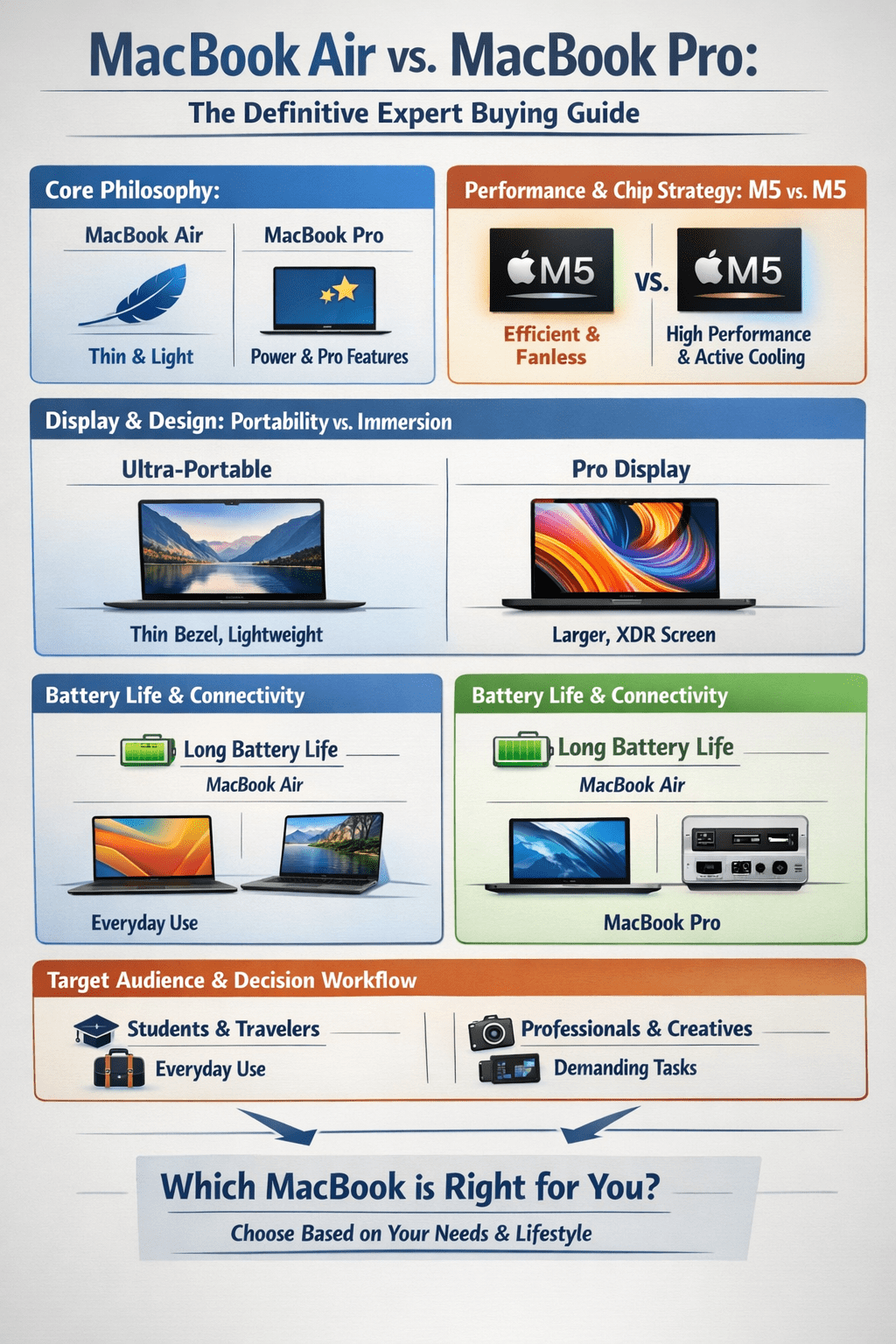
Apple’s lineup serves two primary users. The MacBook Air is engineered as the ultimate ultraportable, prioritizing lightness, silent operation, and all-day battery life for students, travelers, and mobile professionals. The MacBook Pro is a desktop-class workstation, built for sustained performance in demanding creative, development, and AI-driven tasks.
MacBook Air vs. MacBook Pro: The Definitive Expert Buying Guide
Performance & Chip Strategy: M5 vs. M5
For the first time, both families will feature the M5 chip, but with critical implementation differences. The MacBook Air’s M5 will offer meaningful gains in daily responsiveness and AI tasks over its M4 predecessor but will be constrained by its fanless thermal design during prolonged heavy workloads like video rendering.
The MacBook Pro’s active cooling system allows its M5 (and available M4 Pro/Max chips) to sustain peak performance. Apple states the M5 in the Pro delivers up to 3.5x faster AI performance and 1.6x faster graphics than the M4, making it a powerhouse for 3D rendering, 4K/8K video editing, and running large language models locally.
Performance & Configuration Comparison
| Feature | MacBook Air (M5) | MacBook Pro (M5/M4 Pro/Max) |
| Thermal Design | Fanless (passive cooling) | Active cooling with fans |
| Sustained Performance | Geared for bursts; may throttle | Engineered for sustained heavy loads |
| Max Unified Memory | Up to 32GB | Up to 128GB (with M4 Max) |
| Max Storage | Up to 2TB | Up to 8TB |
| Core Use Case | Mobility, general productivity, light creative work | Professional creative suites, development, data science, advanced AI |
Display & Design: Portability vs. Immersion
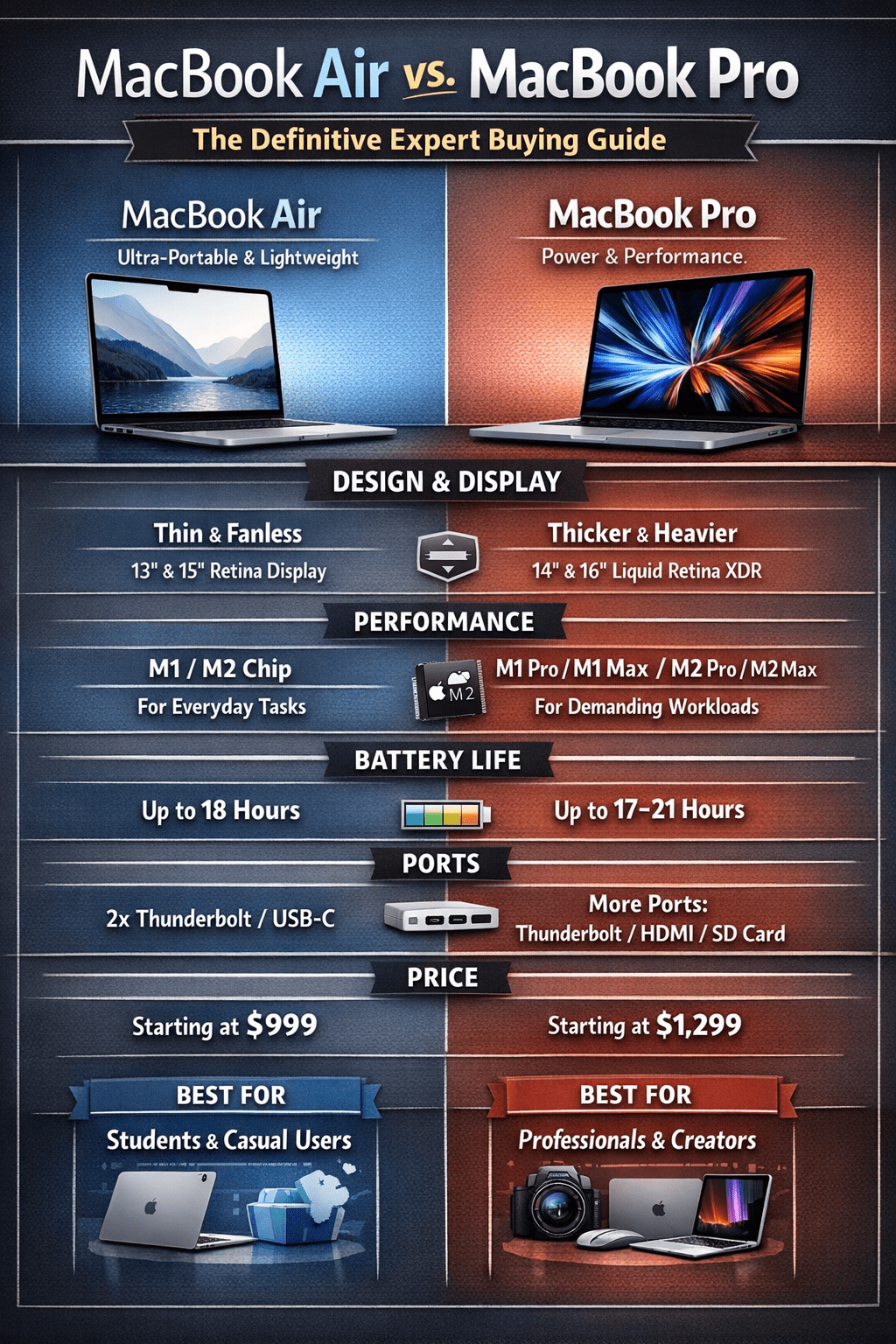
The design divergence is physical and visual. The MacBook Air remains exceptionally thin and light (from 2.7 pounds), crafted for effortless portability. The MacBook Pro, while still portable, has a larger chassis to house its advanced cooling and bigger battery.
The display gap is significant. The Air uses a sharp Liquid Retina display (500 nits brightness, 60 Hz). The Pro features a superior Liquid Retina XDR display with Mini-LED backlighting, delivering up to 1,600 nits peak HDR brightness, a 120 Hz ProMotion adaptive refresh rate, and exceptional contrast for color-critical work.
Battery Life & Connectivity
Both offer exceptional battery life, but the Pro’s larger capacity gives it an edge. Real-world tests show the MacBook Pro can exceed 24 hours, while the Air delivers up to 18 hours. Both support fast charging.
Connectivity is a key differentiator. The MacBook Air has two Thunderbolt 4/USB-C ports and a MagSafe charging port. The MacBook Pro offers more extensive pro connectivity: three Thunderbolt 4 ports, an HDMI port, an SDXC card slot, and MagSafe.
Target Audience & Decision Workflow
Your choice should align with your primary use case.
Choose the MacBook Air with M5
- A student or frequent traveler for whom weight is a primary concern.
- A professional whose work focuses on web apps, office suites, communication tools, and lighter photo editing.
- A user who values a completely silent, fanless operation.
- Your budget is closer to the £999/$999 starting point.
Choose the MacBook Pro with M5 (or M4 Pro/Max)
- A creative professional editing high-resolution video, working with 3D assets, or processing large photo libraries.
- A developer compiling code, running simulations, or working with local AI/ML models.
- A power user who demands the absolute best display for HDR content, color accuracy, and smooth scrolling.
- Your workflow benefits from extended connectivity, and you have a budget starting at £1,599/$1,599.
Price Table
| Model | Processor | Display | RAM / Storage | Price (USD) |
|---|---|---|---|---|
| MacBook Air 13-inch | M4 | 13.6″ Retina | 16GB / 256GB SSD | ~$999 |
| MacBook Air 13-inch | M4 | 13.6″ Retina | 16GB / 512GB SSD | ~$1,199 |
| MacBook Air 15-inch | M4 | 15″ Retina | 16GB / 256GB SSD | ~$1,199 |
| MacBook Air 15-inch | M4 | 15″ Retina | 16GB / 512GB SSD | ~$1,399 |
| MacBook Pro 14-inch | M5 | 14.2″ Liquid Retina | 16GB / 512GB SSD | ~$1,599 |
| MacBook Pro 14-inch | M5 | 14.2″ Liquid Retina | 16GB / 1TB SSD | ~$1,799 |
| MacBook Pro 14-inch | M5 | 14.2″ Liquid Retina | 24GB / 1TB SSD | ~$1,999 |
MacBook Air vs. MacBook Pro: The Definitive Expert Buying Guide
Future Considerations & Final Recommendation
The MacBook Air is expected as a processor refresh within the existing design. The MacBook Pro with M5 is already available, establishing a clear performance benchmark.
- For most users: The MacBook Air with M5 represents the best value, providing more than enough performance for everyday tasks in an iconic portable design. It’s the rational choice.
- For professionals: The MacBook Pro is a tool, not an expense. Its superior display, sustained performance, and expanded connectivity directly enable and accelerate professional workflows, justifying the investment.
Evaluate your most demanding regular task. If it involves sustained CPU/GPU load, high-end creative apps, or external high-resolution displays, the Pro is your machine. For everything else, the Air’s blend of capability and portability is unmatched. The right choice empowers your work without compromise.
FAQs
Is the MacBook Pro’s display really that much better than the Air’s?
Yes. The Pro’s Mini-LED Liquid Retina XDR display offers vastly higher peak brightness (up to 1600 nits), a 120 Hz adaptive refresh rate for smoother motion, and much higher contrast, which is critical for professional photo and video work.
Can the MacBook Air handle professional work like video editing?
It can handle light to moderate editing (e.g., 1080p or 4K projects with simple timelines). However, for sustained editing of high-bitrate 4K/8K footage, complex effects, or 3D rendering, the MacBook Pro’s active cooling and more powerful chip options will complete the job significantly faster and without thermal throttling.
Should I wait for the M5 MacBook Air or buy an M4 Pro now?
If your current machine is functional and your needs aren’t urgent, waiting for the M5 Air is reasonable for a generational performance and AI boost. If you need a laptop now or your work demands pro-level performance, the current M4 Pro/Max MacBook Pro models are exceptionally capable and readily available.