Dual Touchscreen vs Traditional Laptop: Which Should You Choose?
Introduction
As technology advances, users often compare Dual Touchscreen vs Traditional Laptop to decide which best suits their needs. The debate of Dual Touchscreen vs Traditional Laptop highlights differences in design, usability, and performance. For students, professionals, and casual users alike, understanding Dual Touchscreen vs Traditional Laptop is key to choosing the right device for productivity, creativity, and convenience. While traditional laptops remain reliable and versatile, dual-screen devices offer multitasking advantages, innovative designs, and improved user experiences, making the decision more important than ever in today’s fast-paced digital world.
What Sets Them Apart?
Performance & Reliability
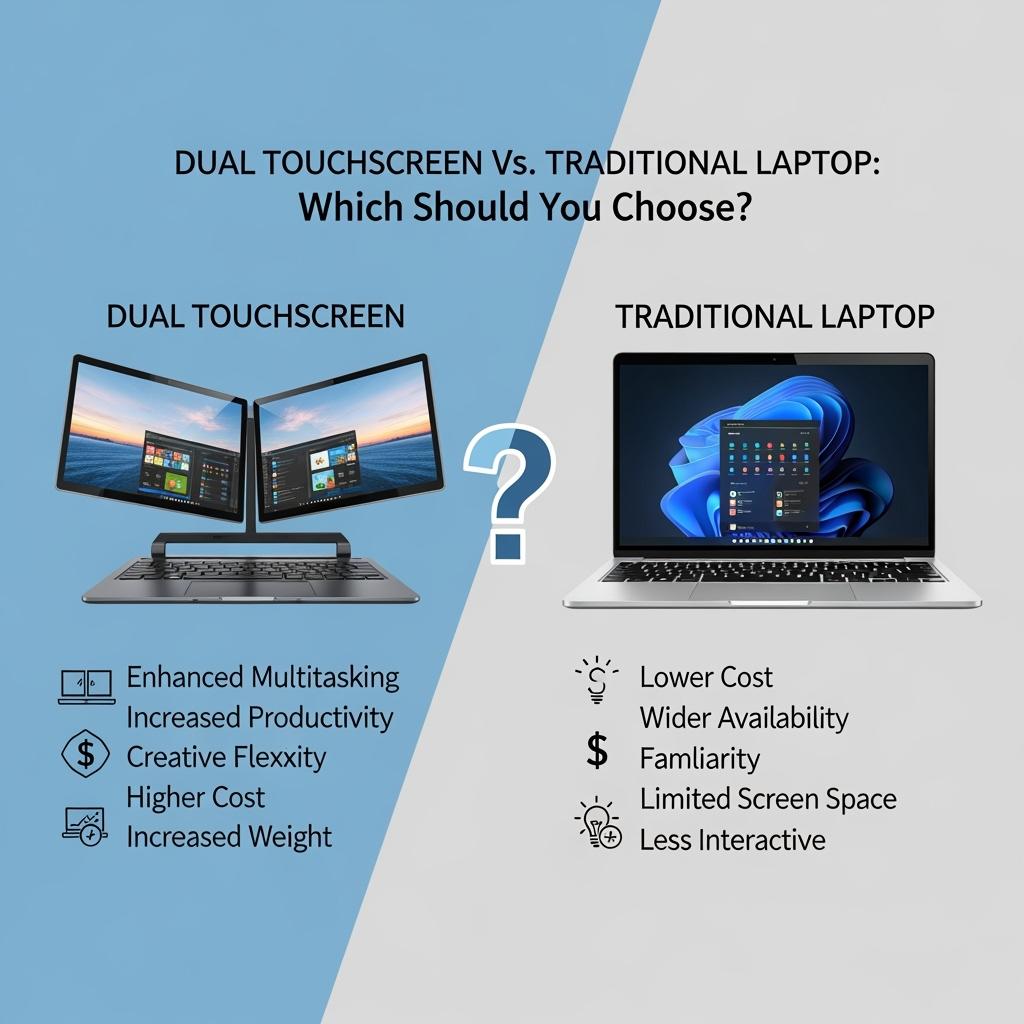
- Traditional laptops usually run cooler and are more reliable because they have fewer parts that can break.
- Dual touchscreen laptops are great for being portable and allowing you to work on multiple tasks at once, but they can get hot because they have two screens.
Multitasking & Workflow
- Dual-screen laptops let you use apps at the same time, like coding on one screen and checking errors on the other, which makes you more efficient.
- Traditional laptops need an extra monitor to get more workspace.
Portability & Ergonomics
- Dual-touch laptops offer a complete multi-screen setup without needing extra equipment, but they can be heavier.
- Traditional laptops are more lightweight, compact, and convenient to transport.
Battery & Cost Considerations
- Dual-screen laptops are usually more expensive and may use more battery, especially with two screens.
- Traditional laptops usually last longer on a single charge and are cheaper for similar performance.
Top Dual Touchscreen Models Creating Buzz
- Asus Zenbook Duo (2025): Has two 14” 3K OLED touch screens, uses an Intel Core Ultra-9 processor, and lasts about 14 hours on one screen.
- Lenovo Yoga Book 9i (Gen 10): Features two OLED screens and a stylus, with a battery life of around 7 hours.
It’s perfect for teachers and creators.
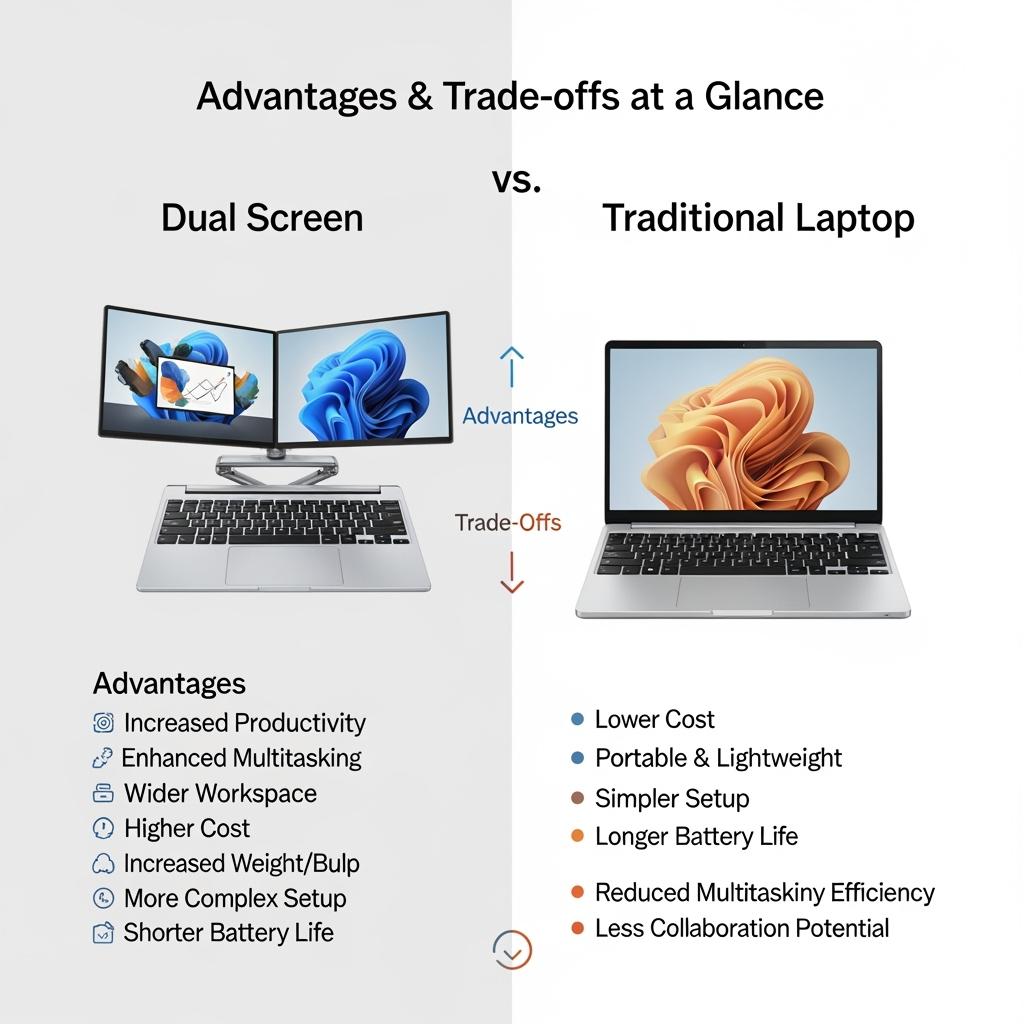
Advantages & Trade-offs at a Glance
Dual Touchscreen vs Traditional Laptop: Which Should You Choose?
| Feature | Dual Touchscreen Laptop | Traditional Laptop |
|---|---|---|
| Productivity | Superior multitasking with two interactive screens | Limited multitasking unless paired with monitor |
| Portability | Laptop only—no external setup needed | Typically lighter and simpler |
| Battery Life | Shorter due to dual power draw | Longer usage per charge |
| Price | High-premium technology | Generally more affordable |
| Learning Curve | Requires adjustment to dual-display workflows | Familiar and intuitive |
| Target Audience | Creators, developers, multitaskers, streamers | General users, budget-conscious professionals |
Real User Insights
A recent review says, “If your work involves multiple screens, the Zenbook Duo is a good choice,” highlighting how dual screens are useful for people who move around a lot.
Ideal Use Cases
- Creative professionals: Use design tools on one screen and a canvas on the other.
- Programmers: Work on code and debugging tools side by side.
- Educators & Researchers: Show slides on one screen and take notes on the other.
- Gamers & streamers: Play games while showing chat, stats, or tools on a second screen.
Dual Touchscreen vs Traditional Laptop: Which Should You Choose?
Conclusion
In the dual touchscreen vs. traditional laptop debate, the best choice depends on what you do and what you value most. If you need to work on multiple tasks, be creative, and want portability, dual touchscreen laptops are the way to go. For dependability, longer battery life, and a more affordable price, traditional laptops are still a reliable option.
Frequently Asked Questions (FAQs)
Are dual-touchscreen laptops worth the extra cost?
Yes, if you need to work on multiple things at once and enjoy a dynamic workflow. Dual screens give you a big boost in productivity compared to a regular laptop.
Do dual-touchscreen laptops support stylus input?
Many high-end models like the Zenbook Duo and Yoga Book 9i have stylus support, which is great for artists and note-takers.
What about gaming performance?
They can handle light gaming well, but they might not be the best for fast-paced games because of the physical distance between screens.