
Best AI Website Builders: Here is the Verdict
Introduction
After weeks of testing leading Best AI Website Builders, I can finally share which platforms actually live up to the hype. This review is especially useful for small business owners, freelancers, and entrepreneurs who want a professional website without coding headaches or high agency fees.
Best AI Website Builders have transformed the web design landscape. Instead of painstakingly dragging elements or hiring developers, you can now answer a few questions and let AI generate layouts, copy, and even images. But which tools are worth your money?
I tested Best AI Website Builders to evaluate their real-world usability, customization, and performance. Below, you’ll find my testing methodology, detailed platform reviews, a feature comparison, and my final recommendations based on specific use cases.
🔬 Testing Methodology for AI Website Builders
Selection Criteria
- Platforms with true AI-driven design (not just templates).
- Active development and growing user bases.
- Options for free trials or freemium testing.
- Strong integration with third-party apps and services.
Key Features Evaluated
- Quality of AI design generation.
- Content and SEO suggestions.
- Template variety and customization depth.
- E-commerce readiness.
- Mobile responsiveness and site speed.
Scoring Framework
- Design Quality: 30%
- Ease of Use: 25%
- AI Capabilities: 20%
- Feature Completeness: 15%
- Pricing Value: 10%
Each platform received 8+ hours of hands-on testing, building business landing pages, portfolios, and e-commerce stores. Performance, ease of use, and customer support were all factored in.
📝 Detailed Reviews of Leading AI Website Builders
-
Wix ADI
- Strengths: Smart questionnaire-based setup, polished layouts, and extensive app marketplace. Automatically mobile-optimized.
- Limitations: Some generic text, premium features behind higher plans.
- Best For: Beginners wanting professional results fast.
-
Bookmark (AiDA)
- Strengths: Conversational AI setup, fast generation, solid e-commerce integration.
- Limitations: Limited post-generation customization, basic SEO features.
- Best For: Non-technical users who value speed and simplicity.
-
Zyro AI
- Strengths: AI logo maker, heatmap predictor, and good content suggestions. Strong customization.
- Limitations: Performance slightly weaker than premium competitors.
- Best For: Small businesses balancing automation and flexibility.
-
Grid
- Strengths: Content-first design approach, typography-focused layouts, continuous AI learning.
- Limitations: Less beginner-friendly, smaller template library.
- Best For: Content-heavy sites and creative portfolios.
-
Firedrop (Sacha AI Chatbot)
- Strengths: Conversational, human-like setup, adaptive design, real-time previews.
- Limitations: Limited templates, occasional chatbot missteps.
- Best For: Users who enjoy a chat-driven creation process.
-
Framer AI
- Strengths: High-end design aesthetics, subtle animations, deep customization (including CSS/JS).
- Limitations: Steeper learning curve for beginners.
- Best For: Designers and advanced users wanting full creative control.
-
Squarespace AI
- Strengths: Elegant, professional designs, great for creatives, excellent mobile responsiveness.
- Limitations: Customization requires learning its design system.
- Best For: Artists, photographers, and portfolio-focused sites.
Best AI Website Builders: Here is the Verdict
⚖️ Comparative Analysis of Core Features
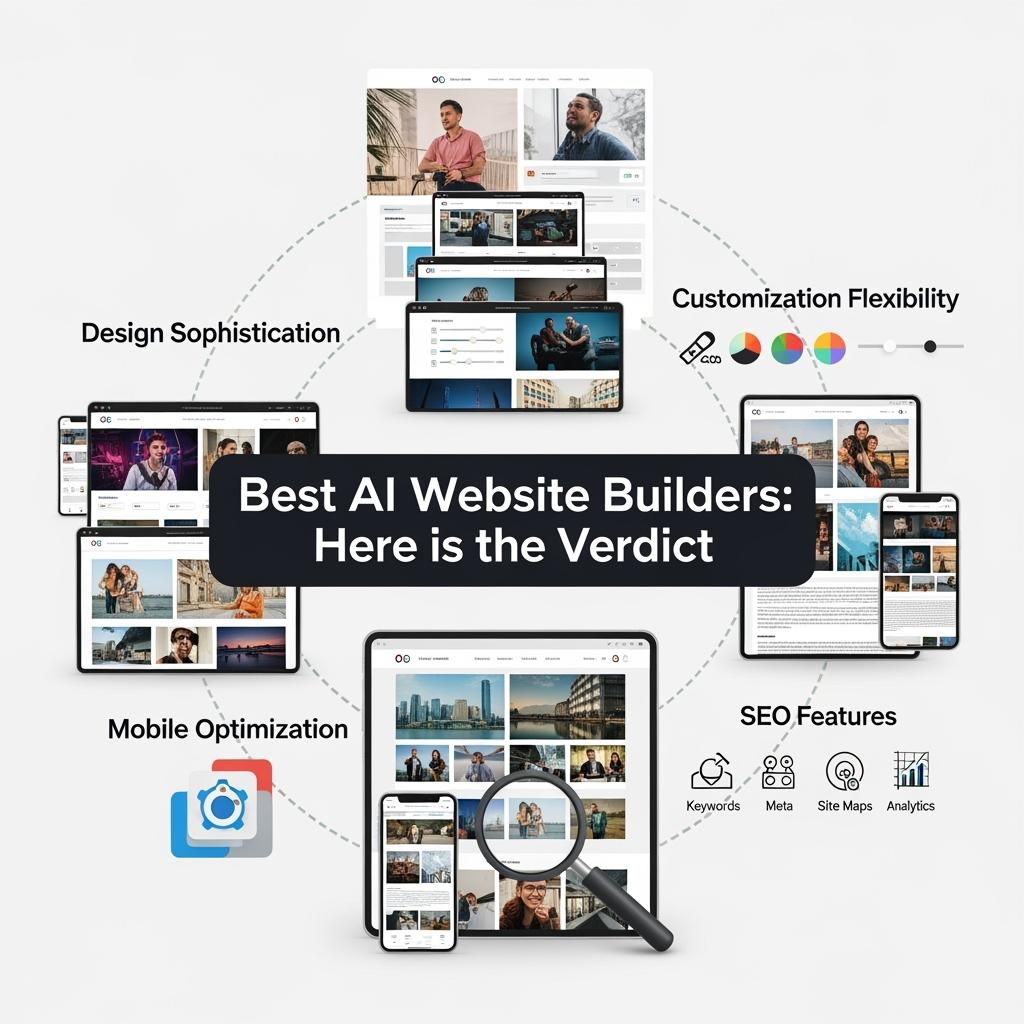
Design Sophistication
- Framer AI: Exceptional, studio-level.
- Squarespace AI: High, elegant.
- Wix ADI: Polished and versatile.
- Bookmark AIDA: Functional but template-heavy.
Customization Flexibility
- Framer AI: Advanced, full control.
- Wix ADI: Extensive drag-and-drop editing.
- Squarespace AI: Strong but within framework.
- Bookmark AIDA: Limited.
Mobile Optimization
- Framer AI: Native-level responsiveness.
- Squarespace AI: Excellent touch optimization.
- Wix ADI: Strong with mobile-specific edits.
- Bookmark AIDA: Adequate but less refined.
SEO Features
- Framer AI: Advanced, with structured data.
- Wix ADI: Robust SEO suggestions.
- Squarespace AI: Solid built-in optimization.
- Bookmark AIDA: Covers basics only.
Best AI Website Builders: Here is the Verdict
💲 Pricing and Value Breakdown
Platform |
Entry Price |
Best For |
| Wix ADI | $16/mo | Personal & small business sites |
| Framer AI | $20/mo | Designers, creative professionals |
| 10Web | $20/mo | WordPress users needing AI |
| Durable.co | $20/mo | Local business sites |
⚠️ Hidden Costs: Paid domains (~$15–20/yr), premium templates, app integrations, and e-commerce transaction fees.
ROI: Compared to traditional $3,000–15,000 web development, AI builders deliver professional sites for under $300 annually, with faster launch times and lower maintenance costs.
🎯 Best Use Case Recommendations
- Beginners: Wix ADI — best balance of automation and control.
- Advanced Designers: Framer AI — unmatched creative freedom.
- Budget Users: Hostinger AI Builder — value-packed starting at $2.99/mo.
- E-commerce: Shopify AI tools — robust online store management.
- Portfolios/Creatives: Squarespace AI — refined templates for visual work.
- Content-Heavy Blogs: WordPress.com AI — strong CMS + AI features.
🏆 Final Verdict
- Best Overall for Beginners: Wix ADI
- Most Customizable: Framer AI
- Best Budget Option: Hostinger AI Website Builder
- Best for E-commerce: Shopify AI
- Best for Creatives: Squarespace AI
✅ Conclusion
AI website creators have reached a point where they rival professional developers for most small to mid-sized projects. The right choice depends on your priorities:
- Ease of use and speed → Wix ADI or Hostinger.
- Advanced design freedom → Framer AI.
- Stunning portfolios → Squarespace AI.
- Business-first features → Shopify or Durable.
👉 Pro Tip: Use free trials to test which platform aligns with your workflow. The best AI website creator should feel intuitive, powerful, and capable of growing with your business.