Table of Contents
Toggle
Table of Contents
Toggle
AI-Powered Browser: How AI is Transforming the Web Experience
Introduction
AI‑Powered Browser moves beyond loading web pages and transforms browsing into an intelligent, context‑aware experience. Instead of acting as a passive gateway, an AI‑Powered Browser actively assists users by understanding intent, summarizing information, and improving decision‑making in real time. As online content grows more complex, the AI‑Powered Browser has become central to productivity, security, and efficient information access.
This change matters because browsing today is no longer about finding links; it is about extracting meaning, managing attention, and acting quickly with confidence.
What Defines an AI‑Powered Browser?
An AI‑Powered Browser integrates artificial intelligence directly into the browsing layer. It uses technologies such as natural language processing, machine learning, and semantic understanding to interpret content rather than simply display it.
This allows the browser to answer questions on a page, explain complex text, summarize long articles, and assist with tasks without switching tools. The result is a more responsive and adaptive browsing experience that aligns with how people actually think and work online.
AI‑Powered Browser Features
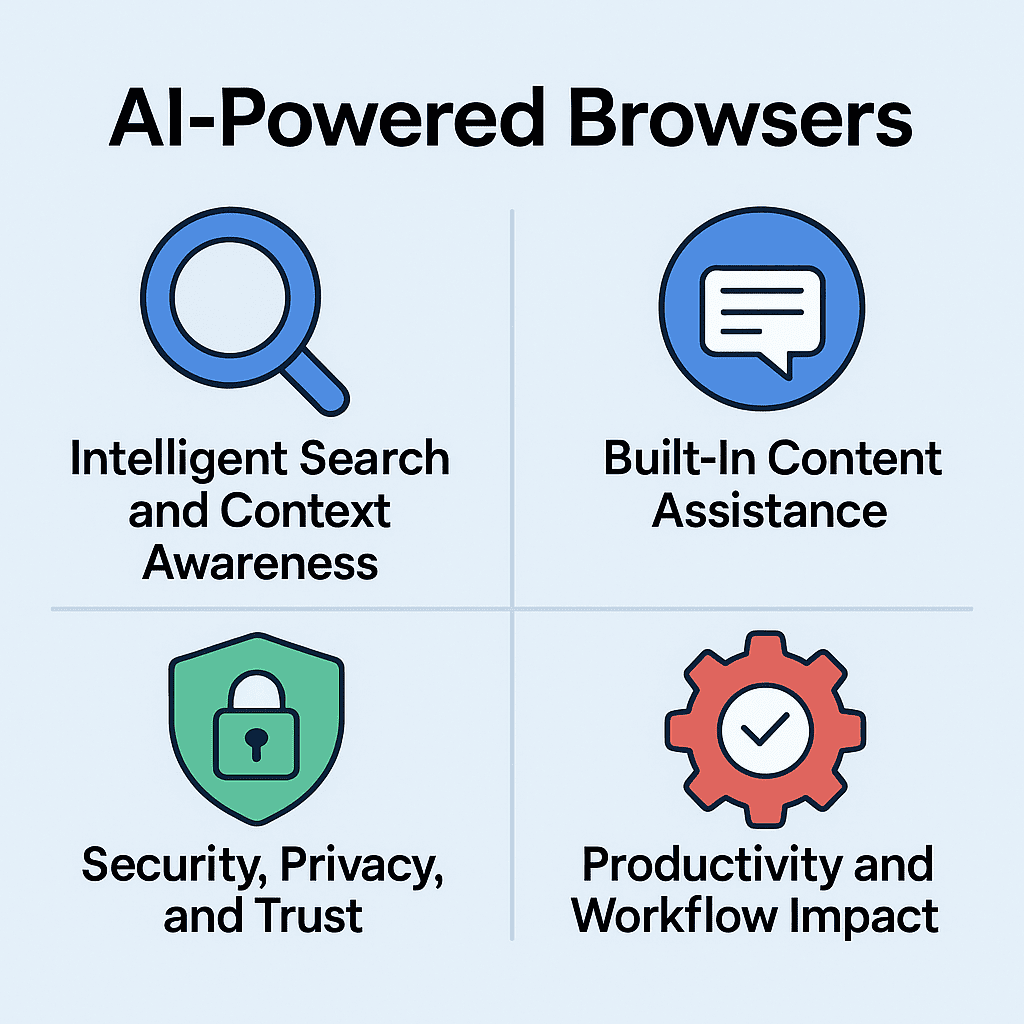
Intelligent Search and Context Awareness
AI‑Powered Browsers improve traditional search by understanding context and intent.
Instead of treating every query as isolated, these browsers track topic flow, page relationships, and user behaviour. This enables smarter suggestions, refined follow‑up answers, and more relevant results. For users, this means fewer searches and faster clarity, especially during research or comparison tasks.
Built‑In Content Assistance
One of the strongest advantages of an AI‑Powered Browser is native content assistance.
By analyzing structure and meaning, the browser can condense articles, highlight key points, and answer direct questions about the content being viewed. This reduces time spent reading dense material and helps users focus on insight rather than volume.
Security, Privacy, and Trust
Modern AI‑Powered Browsers increasingly apply intelligence to security.
Machine learning models detect suspicious behaviour, unsafe links, and phishing attempts by recognizing patterns rather than relying solely on static rules. At the same time, leading browsers provide user controls over AI features and data handling, balancing protection with transparency.
Productivity and Workflow Impact
AI‑Powered Browsers support modern workflows by reducing friction.
Features such as smart tab management, contextual memory, and integrated assistance allow users to move from research to action without leaving the browser. This turns the browser into a central productivity environment rather than just a navigation tool.
AI-Powered Browser: How AI is Transforming the Web Experience
AI‑Powered Browsers Reshaping the Web
Here are the most recent and influential AI browsers pushing boundaries beyond traditional designs:
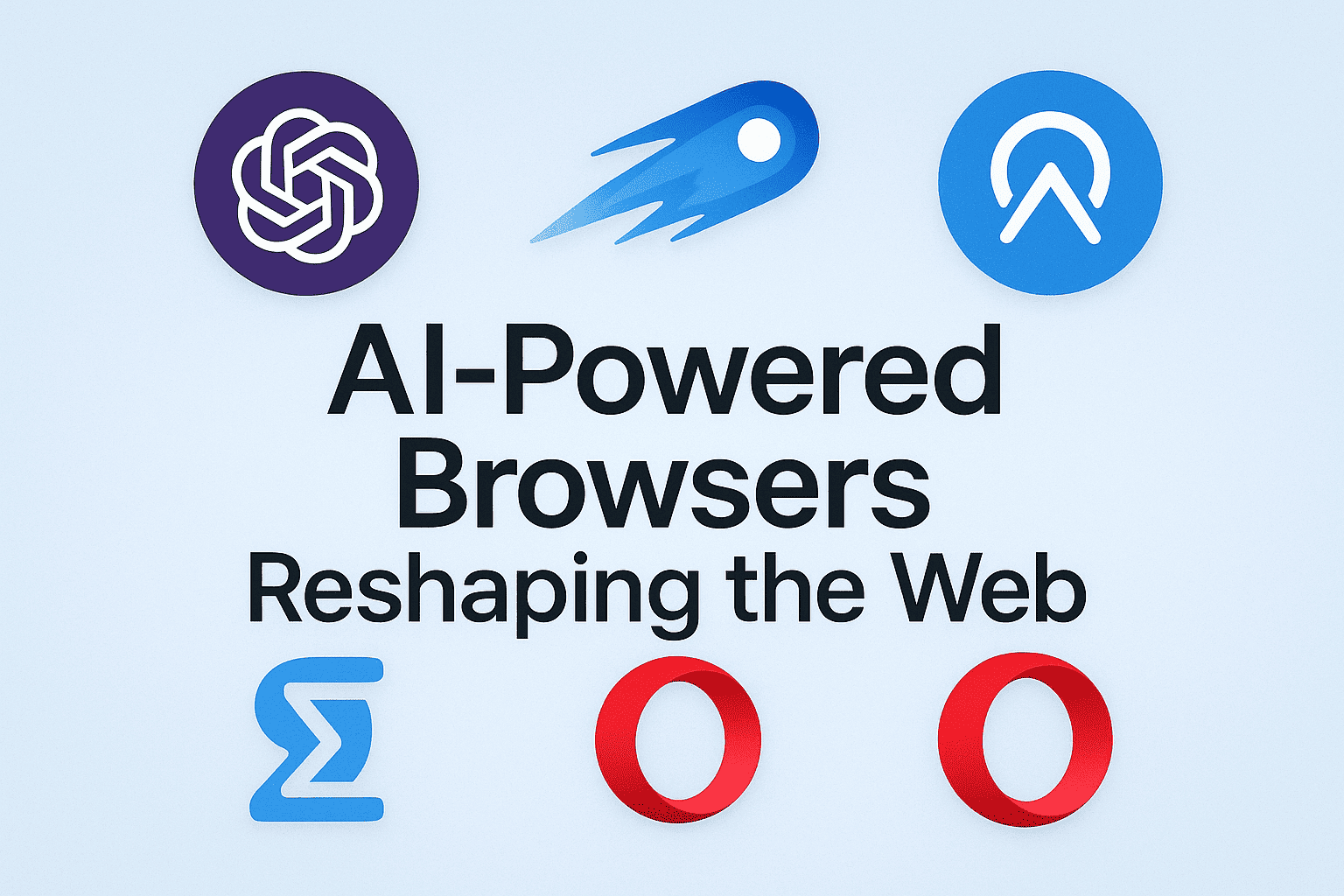
1. ChatGPT Atlas (OpenAI)
A new AI browser fully integrated with OpenAI’s ChatGPT technology. Atlas embeds a sidebar assistant that summarizes content, automates tasks (like form filling and research), and provides contextual insights directly in the browsing space, signaling a shift toward conversational browsing.
2. Perplexity Comet
Comet is a Chromium‑based browser with deep AI integration where the assistant helps with summarization, task execution, contextual search, and productivity workflows. It’s positioned as a strong AI‑centric alternative to traditional browsers and is already available across desktop and Android.
3. Dia Browser (The Browser Company / Atlassian)
Dia was launched with a focus on deep contextual interaction—connecting multiple open tabs, summarizing across them, and automating tasks. It treats browsing as contextual collaboration with AI rather than isolated navigation.
4. Opera Neon
Built from the ground up, Opera Neon reimagines browsing with “agentic” AI modes that execute tasks, build content, and assist with complex workflows, blending deep AI models like Gemini 3 and GPT‑5.1 for rich interaction.
5. SigmaOS
SigmaOS has pivoted to AI‑first architecture with tools that organize browsing into workspaces and use AI copilots for summarization, multi‑tab insights, and productivity flows ideal for power users.
AI-Powered Browser: How AI is Transforming the Web Experience
Well‑Known AI‑Powered Browsers
| Browser | Core Specialty | Key AI Features | Ideal Users |
|---|---|---|---|
| Microsoft Edge (Copilot AI) | Productivity & enterprise intelligence | Summarisation, smart search, task workflows | Professionals & students |
| Google Chrome (Gemini AI) | AI‑enhanced search & ecosystem intelligence | Contextual search, rewriting, summarisation | Everyday users & Google ecosystem fans |
| Brave Browser (Leo) | Privacy‑first AI browsing | Summaries, translation, task support | Privacy‑conscious users |
| Opera One | Built‑in AI assistant & content interaction | In‑browser AI chat & assistance | General users |
| Arc Browser | Workflow‑driven intelligent browsing | Tab management, summarisation, personalised flows | Creators, researchers |
| DuckDuckGo Browser | Private AI search & safe browsing | AI answers without tracking | Privacy‑focused users |
| Firefox (with AI extensions) | Open‑source control with AI flexibility | Customisable AI assistants | Transparency‑oriented users |
Why This Matters
The next wave of browsers isn’t just about AI add‑ons—it’s about re‑architecting the browser itself to be an AI assistant that can understand context, execute tasks, and improve productivity. Intelligent features are becoming baseline expectations, and browsers that balance innovation, privacy, and reliability will lead the web into the future.
Conclusion
The AI‑Powered Browser represents a structural evolution of the web experience. It shifts browsing from passive consumption to active collaboration between user and technology. As intelligent features become standard, browsers will increasingly shape how people learn, work, and make decisions online. The future of the web belongs to browsers that understand context, respect trust, and deliver clarity at speed.
Country-Wise AI Browser Recommendations
| Region/Country | Recommended AI Browser | Key Strength | Notes |
|---|---|---|---|
| USA | Microsoft Edge (Copilot AI) | Enterprise-grade AI, productivity, security | Popular in offices, schools, and government environments |
| UK | Google Chrome (Gemini AI) | AI-enhanced search, integration with Google Workspace | Best for general users and students |
| Europe (Germany, France) | Brave Browser | Privacy-first AI browsing, summarisation | Strong adoption among privacy-conscious users |
| Europe (Scandinavia, Netherlands) | Opera One | Built-in AI assistant, content interaction | Ideal for everyday browsing with AI help |
| Latin America | Opera One | AI chat & rewriting tools, contextual assistance | Good combination of usability & speed |
| Asia (India, Singapore) | Google Chrome (Gemini AI) | Fast performance, ecosystem intelligence | Best for mobile-heavy usage and business users |
| Asia (Japan, South Korea) | Arc Browser | Workflow-driven browsing, tab management | Suitable for professional and creative workflows |
| Australia & New Zealand | Microsoft Edge | Copilot AI for summarisation & productivity | Enterprise and academic adoption |
| Privacy-focused users worldwide | DuckDuckGo Browser | AI-assisted answers without tracking | Ideal for private search and lightweight browsing |
| Advanced/power users globally | SigmaOS | Workspace-first AI, multi-tab insights | Designed for creators, researchers, and professionals |
Popular FAQs
What exactly makes a browser “AI-powered”?
An AI-powered browser integrates artificial intelligence into its core, allowing it to summarize content, answer questions, assist with tasks, manage tabs intelligently, and provide contextual search—rather than just displaying web pages.
Are AI-powered browsers safe for privacy?
Yes, many AI browsers prioritize privacy. Brave, DuckDuckGo, and Edge allow users to control data handling and AI interactions. However, users should check each browser’s privacy policies and AI data usage features.
Which AI browser is best for productivity?
For productivity, Microsoft Edge (Copilot AI) and Arc Browser are top choices. They provide smart summarization, task assistance, contextual memory, and workflow management, making research and work faster and more efficient.