AI Logo Generator Tools: Create Professional Logos in Seconds
Introduction
Creating a unique and professional brand identity has never been easier with an AI Logo Generator Tools. This innovative tool uses artificial intelligence to design logos tailored to your brand’s style, colors, and industry. Unlike traditional design methods, an AI Logo Generator Tools saves time, reduces costs, and delivers creative options instantly.
Whether you’re a startup, small business, or entrepreneur, using an AI Logo Generator Tools ensures you get a professional logo that stands out in today’s competitive market.
In this review, you’ll discover:
- Which AI logo generators produce the most professional-looking results
- How each platform handles customization and usability
- Pricing models and commercial usage rights
- My recommendations for startups, agencies, and budget-conscious users
How I Selected and Tested AI Logo Generators
Not all “AI-powered” logo makers are truly intelligent. To separate marketing hype from genuine innovation, I focused on platforms that demonstrated:
- Advanced AI capabilities (machine learning, style transfer, NLP—not just basic templates)
- Market presence & reliability (proven track record, active user base, or unique new tech)
- Versatile outputs (logos usable across web, print, and branding assets)
- Accessibility (tools easy enough for beginners but flexible enough for pros)
Testing methodology:
- Same business descriptions and style prompts submitted across all tools
- Brands tested included tech startups, restaurants, fitness brands, and agencies
- Evaluation based on iteration quality, revision handling, cross-device usability, and export options
- Speed, stability, and licensing terms also reviewed
Key Features That Matter in AI Logo Generators
When reviewing tools, I paid close attention to:
- AI prompt interpretation – How well text input translates into strong visual ideas
- Style diversity – Range of aesthetics (modern, vintage, playful, corporate)
- Customization depth – Fonts, icons, layouts, and editing controls
- Brand consistency tools – Color palettes, social templates, brand kits
- Collaboration & integration – Sharing options, software compatibility, API access
Design Quality and Creative Output
Here’s how the top platforms compared in terms of visual quality and brand fit:
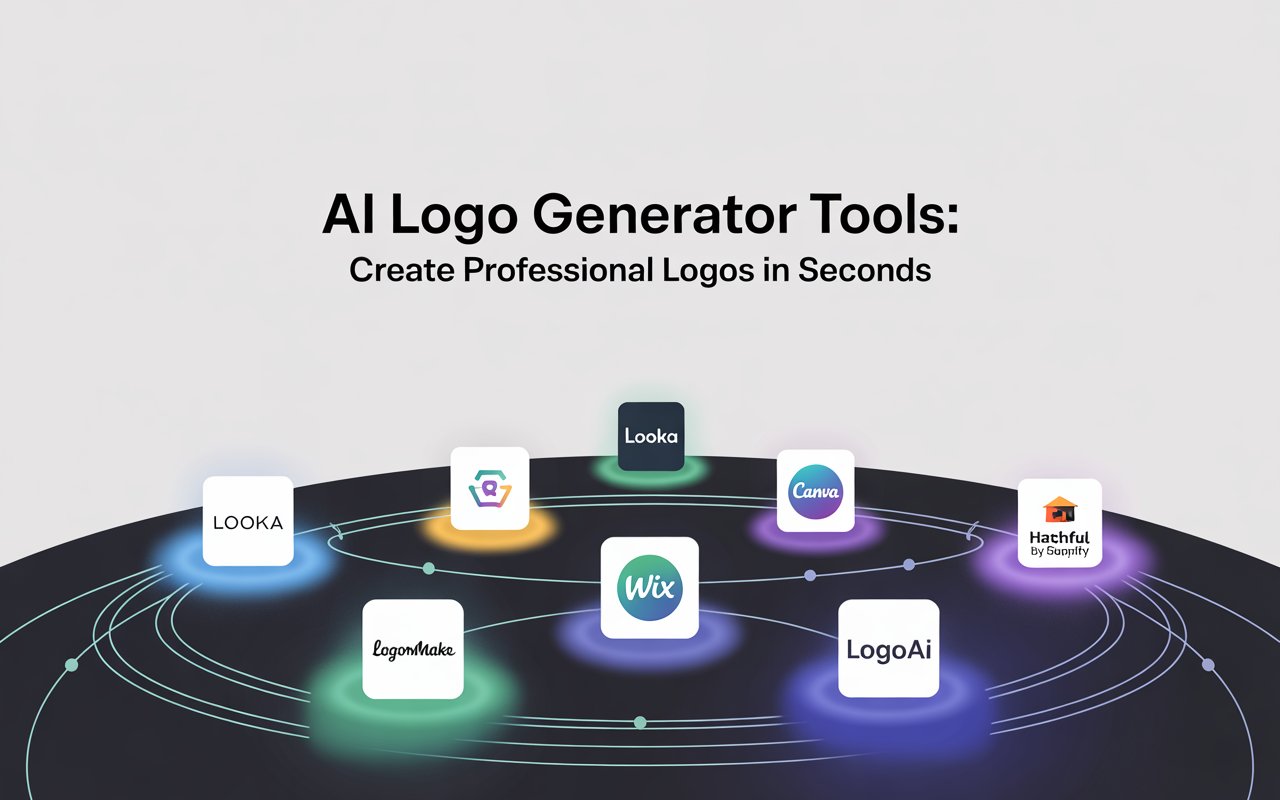
- Looka – Polished designs, clean typography, balanced layouts. Excellent for professional industries.
- Brandmark – Minimalist, geometric logos great for tech startups. Modern but sometimes repetitive.
- LogoMaker – Traditional, safe business logos. Works for conservative industries but lacks creativity.
- Canva – Huge style variety, from playful to professional. Quality can be inconsistent.
- Wix Logo Maker – Balanced, approachable logos that suit small to medium businesses.
- Hatchful by Shopify – Quick, template-based creation. Limited customization, best for fast solutions.
- LogoAI – Real-time editing, intelligent brand kits, strong alignment with industry trends.
AI Logo Generator Tools: Create Professional Logos in Seconds
User Experience: Setup, Workflow, and Accessibility
- Easiest onboarding: Hatchful (fast setup, smart questions)
- Best customization flow: Looka (guided preferences, granular editing)
- Fastest concept generation: Canva (12–15 seconds)
- Mobile-friendly: Hatchful and Tailor Brands
- Best workflow efficiency: Wix Logo Maker (progressive editing)
- Accessibility gap: Few platforms offer proper screen reader support or accessibility features
AI Logo Generator Tools: Create Professional Logos in Seconds
Pricing Models and Licensing
Most AI logo makers follow a freemium model:
- Free tiers: Limited logos, low resolution, often watermarked
- Paid plans: High-res, vector exports (SVG, EPS, PDF), full commercial rights
Typical pricing:
- Basic: $9–19/month → Unlimited generations, HD downloads
- Professional: $19–29/month → Vector files, brand kits, team sharing
- Enterprise: $39–49/month → API, white-label, priority support
Other pricing structures:
- Pay-per-logo: $2–5 per logo (good for one-off needs)
- One-time purchase: $49–99 for lifetime access (rare, often limited features)
⚠️ Licensing caution: Free plans often restrict business use. Some platforms charge extra for “exclusive” rights to prevent duplicates. Always read the fine print before trademarking.
Technical Performance and Integration
- Fastest platforms: Canva & Looka (under 20 seconds)
- Best file formats: Looka & Canva (SVG + PNG included in mid-tier plans)
- Reliability: Canva (99.2% uptime), Looka slightly less stable
- Best integrations: Canva (direct to Adobe, Figma, social tools), LogoAI (brand kits + templates)
Best Platforms by Use Case
- Best for startups & small businesses → LogoAI
Affordable ($29 one-time), professional results, instant brand kits (cards, social graphics). - Best for design professionals & agencies → Midjourney
Exceptional creativity and control, great for brainstorming. Requires extra work to prepare logos for production. - Best for budget-conscious users → Canva
Free tier + $12.99/month Pro. Huge template library, integrated ecosystem for all branding needs.
Final Thoughts
AI logo generators are no longer gimmicks—they’re viable alternatives for businesses and individuals who need professional branding fast. While they don’t always match the originality of a skilled designer, the quality gap is shrinking quickly.
My recommendation:
- Beginners → Canva or Hatchful for simplicity
- Startups → LogoAI for full brand kits at a low cost
- Agencies & pros → Midjourney for creativity, Looka for polish
At the end of the day, AI can generate strong starting points for your brand identity. But the best logos still come from combining AI efficiency with human creativity and brand strategy.