Wi-Fi vs Bluetooth: A Step-by-Step Guide
Introduction
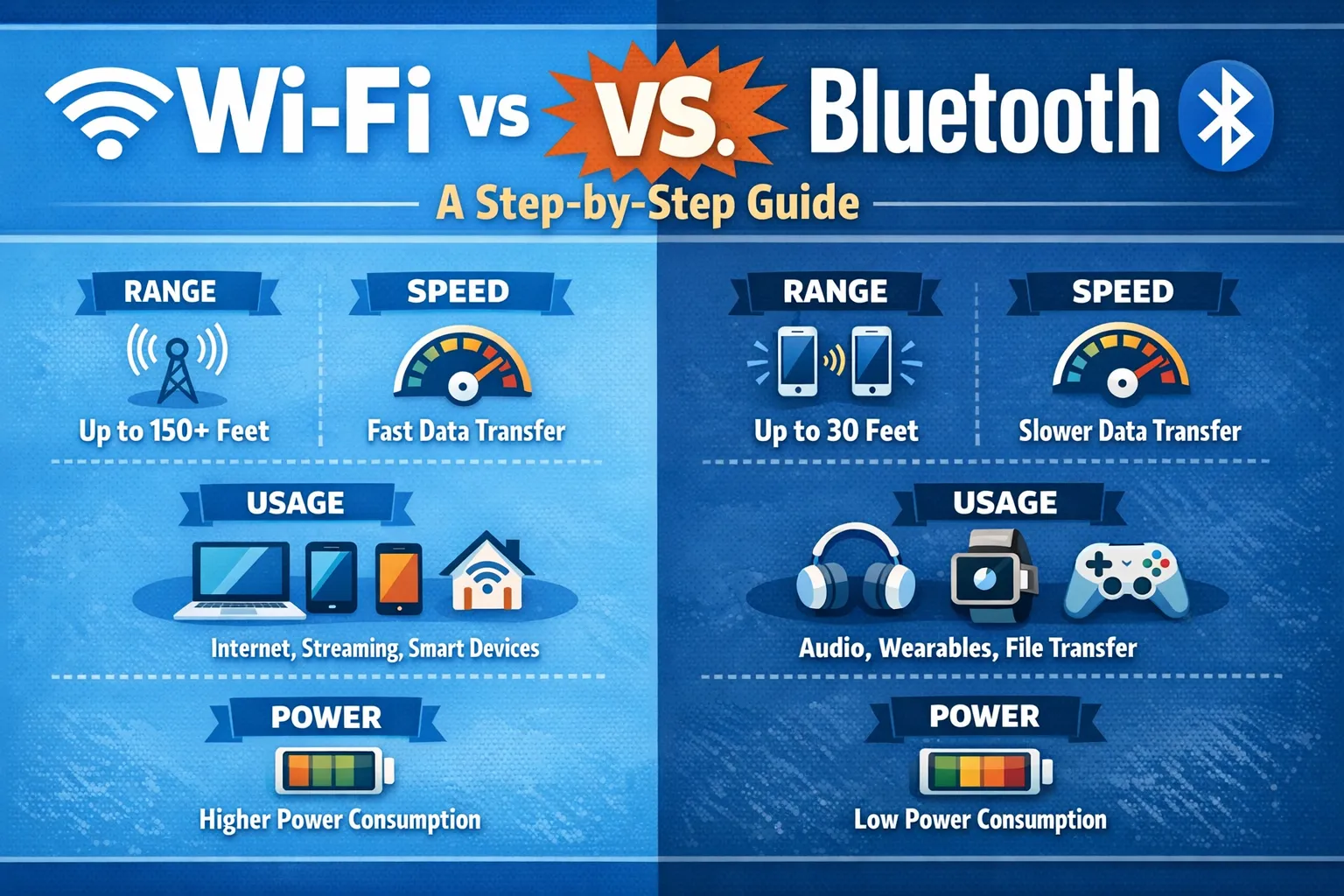
In today’s hyper-connected digital world, Wi-Fi vs. Bluetooth is a common topic for users trying to understand how wireless technologies power everyday devices. While both Wi-Fi and Bluetooth enable cable-free communication, they are built for very different purposes, ranges, and performance requirements. The comparison of Wi-Fi vs. Bluetooth often comes down to factors such as speed, power consumption, security, and compatibility across devices.
From streaming and smart home networks to wearable and IoT solutions, knowing when to choose Wi-Fi or Bluetooth can significantly affect efficiency and user experience. This guide explores Wi-Fi vs. Bluetooth in detail, helping readers make informed decisions for personal, professional, and emerging tech environments.
Wi-Fi vs Bluetooth: A Step-by-Step Guide
Core Architectural Purpose: Connection vs. Networking
The most fundamental difference lies in their core design philosophy.
- Bluetooth is engineered for direct, short-range personal area networks (PANs). It creates immediate, cable-replacing links between devices like your phone and earbuds or your laptop and mouse. The connection, known as “pairing,” is a simple, passwordless process that doesn’t require an internet connection or intermediary router.
- Wi-Fi is designed for local area networking (LAN). Its primary function is to connect numerous devices to a central access point—your router—to provide them with high-speed data transfer and internet access. Connecting to Wi-Fi always involves a network name and security credential.
Technical Performance: Speed, Range, and Power
The architectural divide leads to stark performance trade-offs critical for device design and user experience.
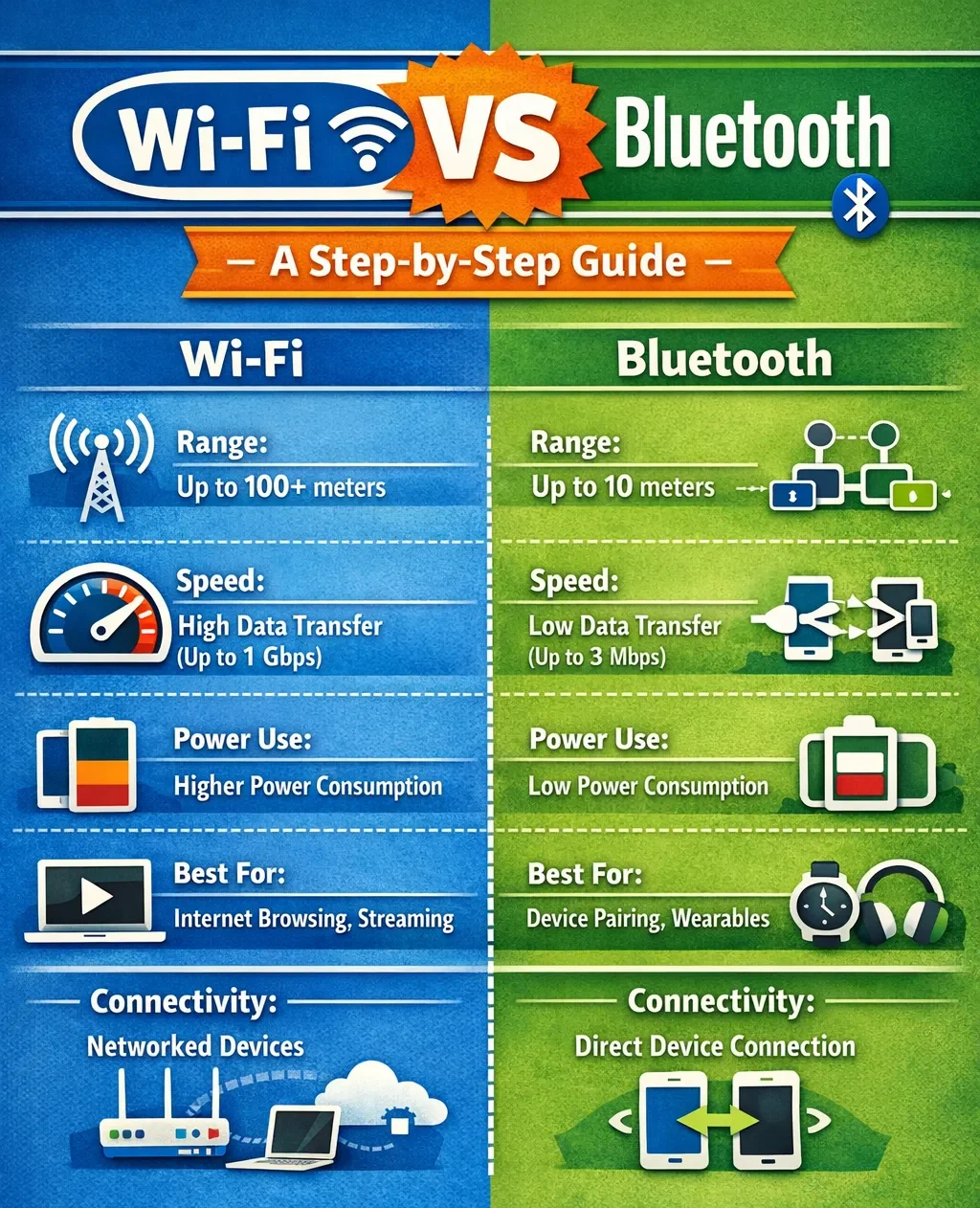
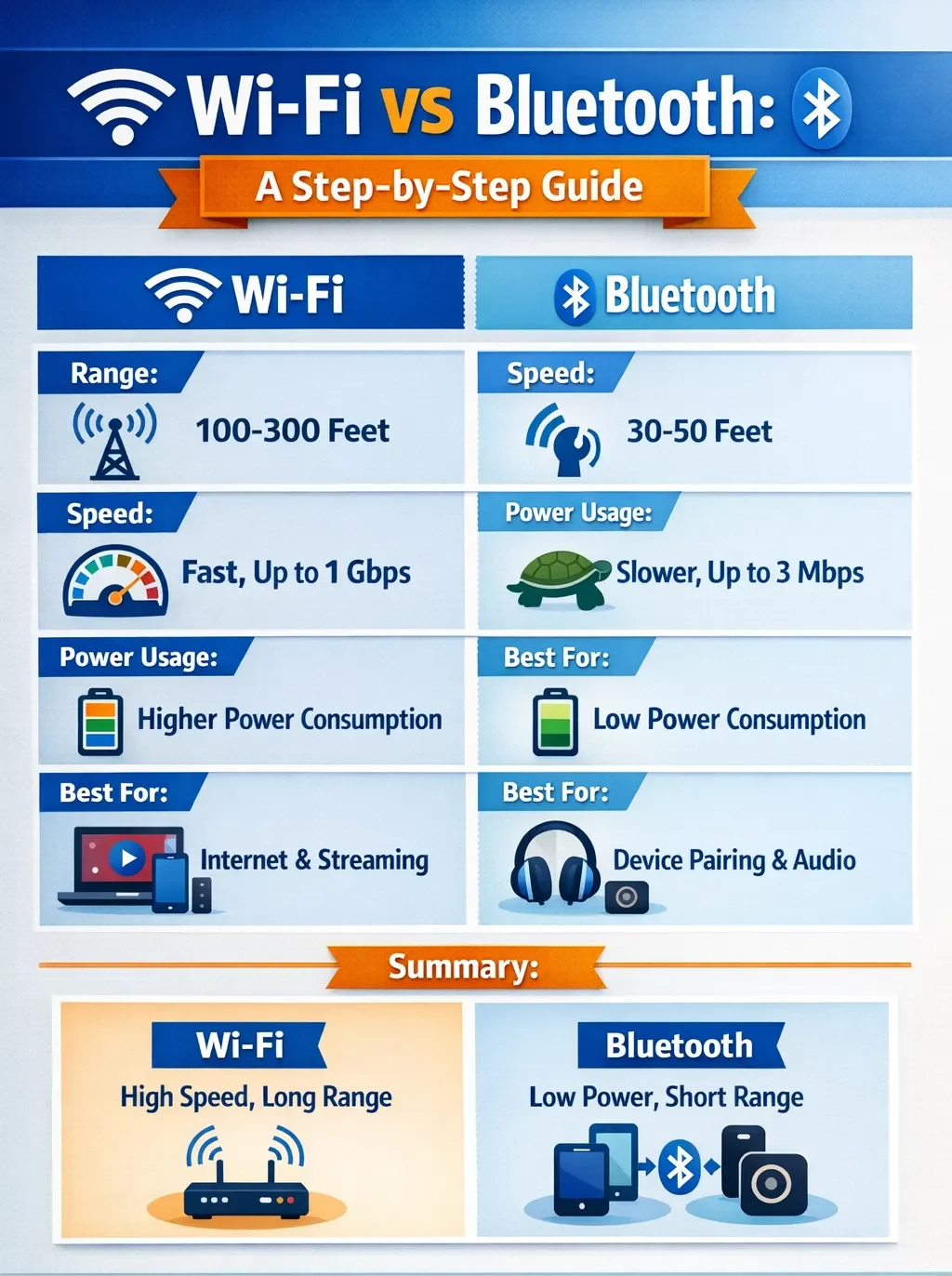
- Data Transfer Speed: Wi-Fi is the clear winner for bandwidth-intensive tasks. Modern Wi-Fi 6 can achieve speeds up to 9.6 Gbps, ideal for streaming 4K video or transferring large files. Bluetooth is significantly slower and optimized for transmitting smaller data packets like audio streams or sensor readings.
- Operational Range: A typical Wi-Fi router provides a stable signal up to 100 meters indoors, covering an entire home or office. Standard consumer Bluetooth devices are reliable within approximately 10 meters, perfect for keeping connected devices on your person but not beyond the room.
- Power Consumption: This is Bluetooth’s defining advantage. Its low-power protocol, especially Bluetooth Low Energy (BLE), allows devices like wireless earbuds, smartwatches, and IoT sensors to operate for days or months on small batteries. Wi-Fi’s higher power demands make it impractical for most compact, battery-powered wearables.
Audio Quality and Multi-Room Applications
The choice between Wi-Fi and Bluetooth significantly impacts audio fidelity and system integration.
- Sound Quality: Wi-Fi speakers typically deliver superior, lossless audio. Because they stream directly from the internet or a local network, they can transmit full, uncompressed audio data from services like Tidal or Qobuz. Bluetooth audio is compressed to travel efficiently over its narrower bandwidth, which can sacrifice some detail, though advanced codecs like aptX Adaptive have greatly improved its performance.
- Multi-Room and Integration: For whole-home audio, Wi-Fi is the only viable technology. It allows multiple speakers to synchronize perfectly over your home network, letting you play music in every room or group them as needed. Bluetooth creates a one-to-one link between your phone and a single speaker, making multi-speaker setups cumbersome and unsynchronized.
Security and Interference Management
Both technologies employ security, but their approaches differ due to their range and use cases.
- Security Protocols: Wi-Fi networks generally offer more robust, configurable security through encryption standards like WPA2 and WPA3, which is crucial for protecting internet traffic. Bluetooth uses pairing and encryption but can be vulnerable to short-range attacks like “bluejacking” if not properly managed.
- Handling Interference: Both often operate in the crowded 2.4 GHz radio band. Wi-Fi can experience interference from other devices like microwaves and cordless phones. Bluetooth uses a clever technique called Frequency Hopping Spread Spectrum (FHSS), where a paired connection jumps between 79 channels 1,600 times per second, making it highly resistant to interference.
IoT and Smart Device Integration
In the Internet of Things (IoT), the choice is dictated by power, data, and mobility needs.
- Bluetooth for IoT: Dominates in personal, mobile, or battery-powered sensors. Its low energy consumption and simple peer-to-peer connection make it perfect for fitness trackers, smart tags, and health monitors.
- Wi-Fi for IoT: IoT devices that don’t move and have a constant power supply, especially those like security cameras or smart hubs that handle video or complex tasks.
Wi-Fi vs Bluetooth: Quick Comparison Table
Feature |
Wi-Fi |
Bluetooth |
| Speed | High (up to several Gbps with Wi-Fi 6/7) | Low to moderate (1–3 Mbps for BLE, ~2–50 Mbps for modern versions) |
| Range | Wide coverage (whole home/office, ~30 m–100 m) | Short-range (typically 10 m–30 m, extended up to ~100m with Bluetooth 5.0+) |
| Power Use | High (drains battery faster during heavy use) | Very low (optimized for wearables, IoT, small gadgets) |
| Types | Wi-Fi 4, Wi-Fi 5, Wi-Fi 6/6E, Wi-Fi 7 | Bluetooth Classic, Bluetooth Low Energy (BLE), Bluetooth 5.0–5.3, Bluetooth Mesh |
| Best Benefits | – High-speed internet – Wide coverage – Multi-device support |
– Low power use – Easy device pairing – Great for audio & wearables |
| Limitations | – Needs routers/infrastructure – High power drain – Security risks if unsecured |
– Short range – Lower speeds – Can face interference – Less robust security |
| Ideal Use Cases | Streaming, gaming, online meetings, cloud sharing | Wireless headphones, smartwatches, fitness trackers, keyboards, smart devices |
Wi-Fi vs Bluetooth: A Step-by-Step Guide
The Convergence: Devices Offering Both
It’s not just about Wi-Fi or Bluetooth anymore. Today’s devices often use both together for a smoother experience. A premium wireless speaker might use Wi-Fi at home for the best sound quality and multi-room features, then switch to Bluetooth when you take it to the park. Smartphones, tablets, and laptops seamlessly run both radios simultaneously, allowing you to browse the web over Wi-Fi while a Bluetooth keyboard and mouse control the device.
Conclusion
The evolution of Wi-Fi and Bluetooth demonstrates a clear trend toward specialization within a shared wireless spectrum. As we move forward, Wi-Fi will continue to push the boundaries of raw speed and network capacity to feed our growing hunger for data. Simultaneously, Bluetooth will refine its role as the ultra-efficient, intelligent glue for our personal ecosystem of devices. The most sophisticated future environments won’t choose one over the other; they will intelligently leverage both, using Wi-Fi for backbone connectivity and Bluetooth for personalized, proximate interaction. To optimize your own setup, begin by auditing your devices and applications against the core principles outlined here.
FAQs
What is difference between Bluetooth and Wi-Fi?
Bluetooth is designed for short-range, direct device-to-device connections, while Wi-Fi is for connecting multiple devices to a local network and the internet.
Can Bluetooth work without Wi-Fi?
Yes, Bluetooth creates its own independent network and does not require a Wi-Fi connection or internet access to function.
Which is more secure for data transfer, Wi-Fi or Bluetooth?
Wi-Fi generally offers more robust, network-wide security protocols like WPA3, making it more secure for sensitive internet-based transactions, though both have encryption capabilities.