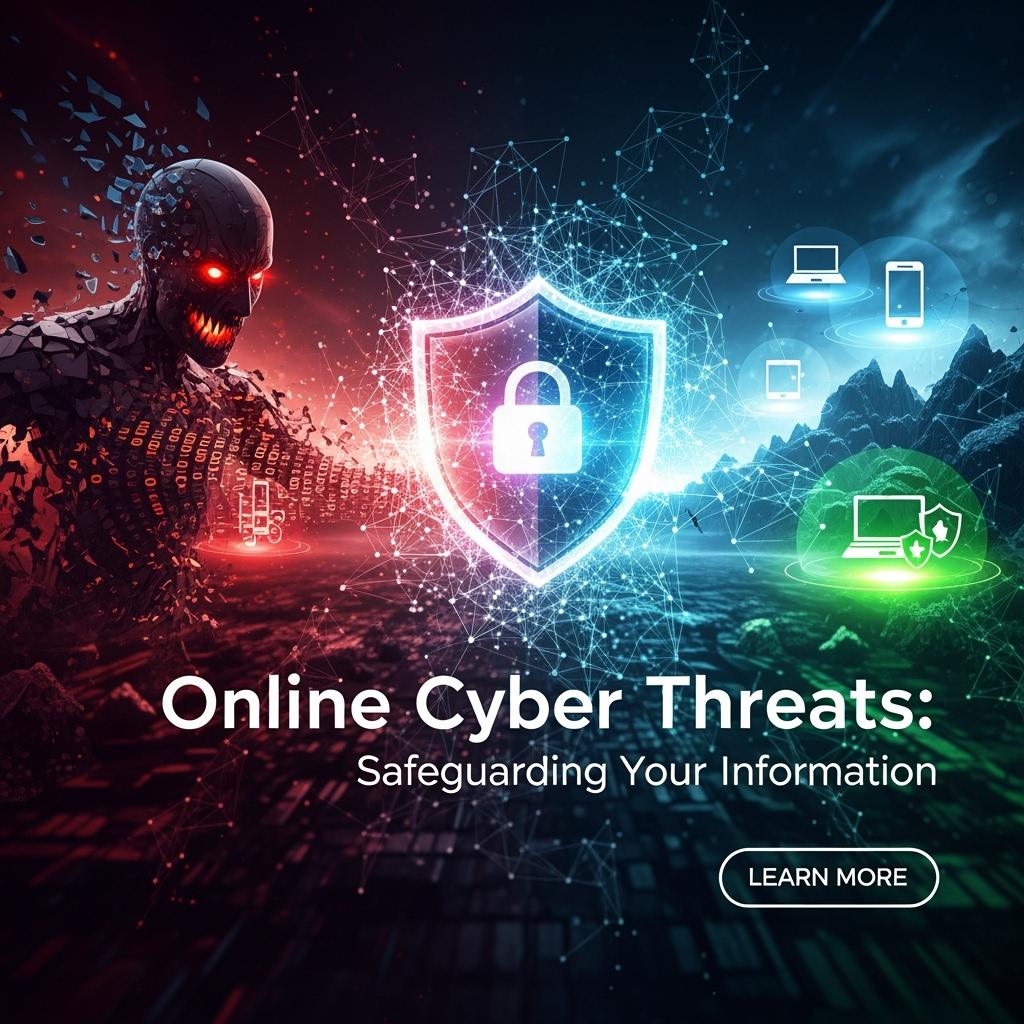
Online Cyber Threats: Safeguarding Your Information
Introduction
In today’s digital age, understanding Online Cyber Threats is more important than ever. From phishing scams to ransomware, the rise of cybercrime makes Online Cyber Threats a top priority for individuals and businesses alike. By learning proactive strategies and best practices, you can stay protected against evolving risks and ensure that Online Cyber Threats never compromise your safety or privacy.
Understanding the Cybersecurity Landscape
Cybersecurity is no longer just a concern for large corporations—every internet user is a target. From identity theft to ransomware, hackers exploit digital weaknesses daily. Protecting your online presence is essential for safeguarding your personal data, financial assets, and digital identity.
Key Threats in Today’s Digital World
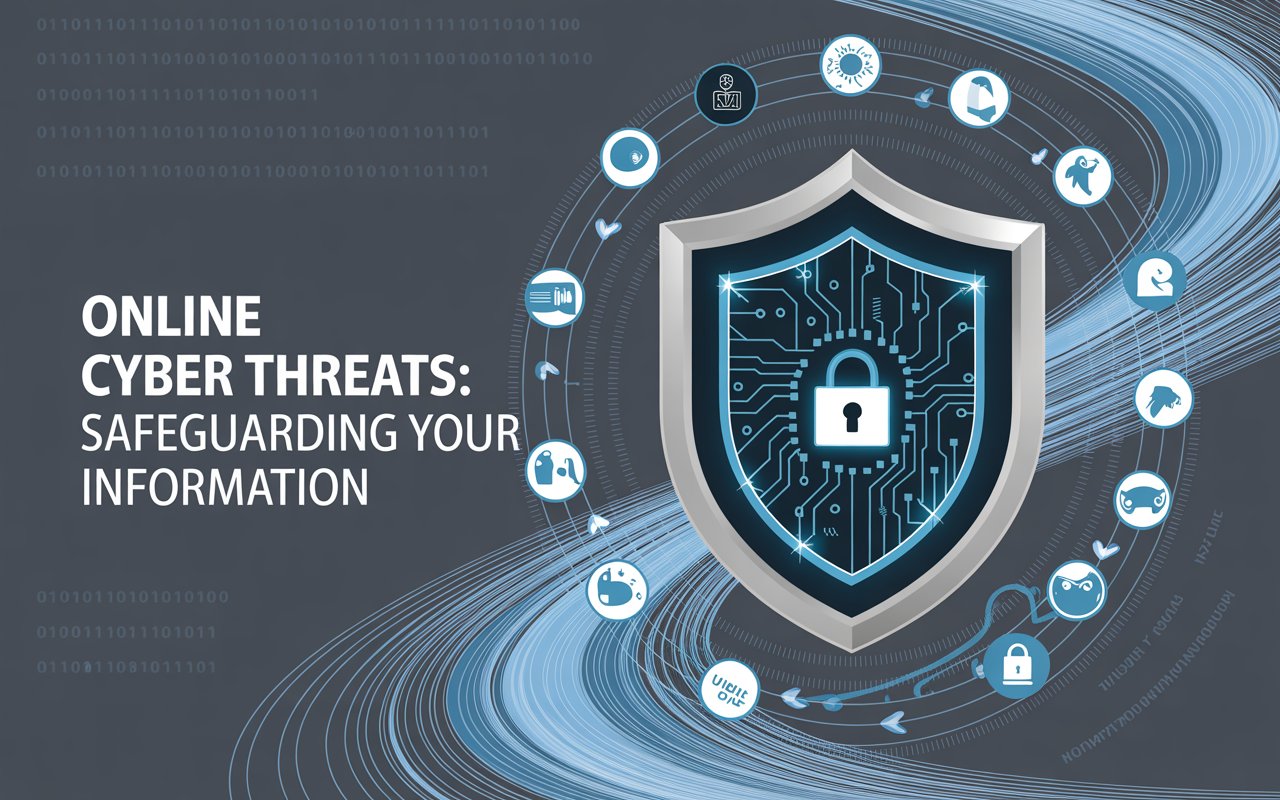
Online Cyber Threats: Safeguarding Your Information
Why Everyone is a Potential Target
Cybercriminals don’t just attack governments or enterprises—they target individuals through stolen passwords, phishing, and scams.
The Rising Cost of Cyber Attacks
The worldwide expense of cybercrime is expected to hit $10.5 trillion each year by 2025. Even a small data breach can result in stolen identities, drained bank accounts, and reputational damage.
Common Vulnerability Points
- Weak or reused passwords
- Unsecured Wi-Fi networks
- Outdated software and devices
- Unsafe browsing and downloads
- Careless social media activity
Essential Cybersecurity Practices for Individuals
Creating Unbreakable Passwords
Make sure to use long, complicated, and special passwords for each of your accounts. A password manager can assist you in creating them and keeping them safe.
Multi-Factor Authentication (MFA)
MFA adds an extra layer of security by requiring verification (like a text code or authentication app) in addition to your password.
Safe Browsing Habits
• Avoid suspicious links
• Only visit HTTPS websites
• Use secure payment gateways when shopping online
Securing Your Home Network
• Change default router passwords
• Enable WPA3 or WPA2 encryption
• Keep your firmware updated
Mobile Device Protection
• Lock screens with PINs or biometrics
• Only download apps from official stores
• Keep operating systems updated
Protecting Your Digital Identity Online
Social Media Privacy Settings
Adjust settings to limit public access to your personal information. Be cautious about sharing location or sensitive data.
Recognizing Phishing Attempts
Beware of emails or texts asking for login details. Look for suspicious links, typos, and sender addresses.
Secure Online Shopping
• Stick to reputable sites
• Use credit cards instead of debit
• Avoid public Wi-Fi for transactions
Managing Your Digital Footprint
Regularly review old accounts, delete unused profiles, and monitor search results for your name.
Advanced Security Measures Worth Implementing
VPN (Virtual Private Network)
VPNs make your internet connection secure by encrypting it, which means they hide your IP address and keep your data safe—especially when you’re using public Wi-Fi.
Encrypted Communication Tools
Use apps like Signal or ProtonMail for private messaging and email.
Secure Cloud Storage
Select providers offering end-to-end encryption for sensitive files.
Password Managers
Tools like LastPass, 1Password, or Bitwarden simplify password management while boosting security.
Regular Security Audits
Run antivirus scans, update software, and check device permissions frequently.
Responding to Security Breaches
Signs of Compromise
• Unusual login attempts
• Unexpected password resets
• Unauthorized bank transactions
Immediate Steps
• Change passwords immediately
• Log out of all sessions
• Enable MFA on compromised accounts
Recovery Strategies
• Contact your bank if finances are affected
• Monitor identity theft alerts
• Inform friends or colleagues about hacked accounts
When to Seek Professional Help
If sensitive data is stolen (financial, medical, or business), consult a cybersecurity expert.
Staying Informed About Cybersecurity

Online Cyber Threats: Safeguarding Your Information
Reliable Sources
• CISA (Cybersecurity & Infrastructure Security Agency)
• KrebsOnSecurity
• OWASP
Cybersecurity Communities
Join forums and LinkedIn groups for real-time updates.
Monitoring Tools
Try using services such as Have I Been Pwned to see if your information has been compromised.
Emerging Threats
Stay aware of ransomware, AI-driven phishing, and IoT vulnerabilities.
Conclusion
Cybersecurity isn’t just a choice anymore—it’s a must for staying safe online. By making strong passwords, turning on multi-factor authentication, using a VPN, and keeping up with the latest threats, you can really lower your chances of getting hacked.
The internet is amazing, but it’s only great when you use it safely. Take control of your cybersecurity now and safeguard your most important asset—your digital identity.
Frequently Asked Questions (FAQs)
What is the most common cybersecurity threat for individuals?
Phishing attacks are the most common, tricking users into revealing sensitive data.
How often should I change my passwords?
Experts recommend updating important passwords every 3–6 months and immediately after any breach.
Do free VPNs provide enough security?
Most free VPNs compromise privacy or sell user data. A trustworthy paid VPN is more secure and dependable.